
New in DevAssure O2: Scriptless Flutter Web Testing + TestRail Integration·
Automated PR Testing That Ships FasterBuilt around real user journeys.
DevAssure O2 is an AI testing agent built for pull request testing. Every code change is validated with scriptless E2E testing — no brittle scripts to write or maintain.
Install the DevAssure O2 extension in your editor of choice — VS Code, Cursor, or Anti Gravity.




How it works
Scriptless E2E testing: understand, map, validate
Reads your code change
Starts from the diff and builds context from files, functions, and dependencies.
Maps the blast radius
Traces the change to the screens and user journeys most likely to be affected.
Validates and executes
Generates or updates checks, then runs them before merge with actionable results.
Product surface
See It Work on Your Stack
O2 fits into the tools developers already trust, so the workflow stays familiar while the testing becomes more intelligent.
O2 in GitHub Actions
Seamlessly integrate O2 into your CI/CD pipelines.
Pull request testing on every code change, before merge
How DevAssure O2 fits automated PR testing into recognized QA practice
O2 is built for teams that already follow continuous integration, layered testing, and accessibility expectations from the broader industry—then removes the busywork of authoring and babysitting brittle suites for every PR.
The “Test Pyramid” is a metaphor that tells us to group software tests into buckets of different granularity. It also gives an idea of how many tests we should have in each of these groups.
- GitHub Actions documentation — how CI workflows run automated checks on every push and PR.
- DORA research program — Google-sponsored studies on software delivery performance and quality practices.
At a glance: Install the public CLI with npm install -g @devassure/cli, list the package on npm, and add the DevAssure GitHub Action from the Marketplace to a workflow file.























Everything You Need to
Ship with Confidence.
Autonomous impact mapping
O2 builds a dependency map from the code diff to test the areas actually touched by the change instead of running broad suites.
Scriptless logic
Define behavior in plain English and let O2 translate intent into executable, self-maintaining test flows without writing or maintaining test scripts.
Dynamic test generation
Creates and updates end-to-end scenarios from detected changes, adapting coverage as new functionality is developed.
Works with your stack
Fits into existing product and delivery workflows, connecting with Jira, Figma, and modern CI/CD systems.
Zero-flakiness
When selectors drift or UI shifts, the agent adapts its execution path in real time.
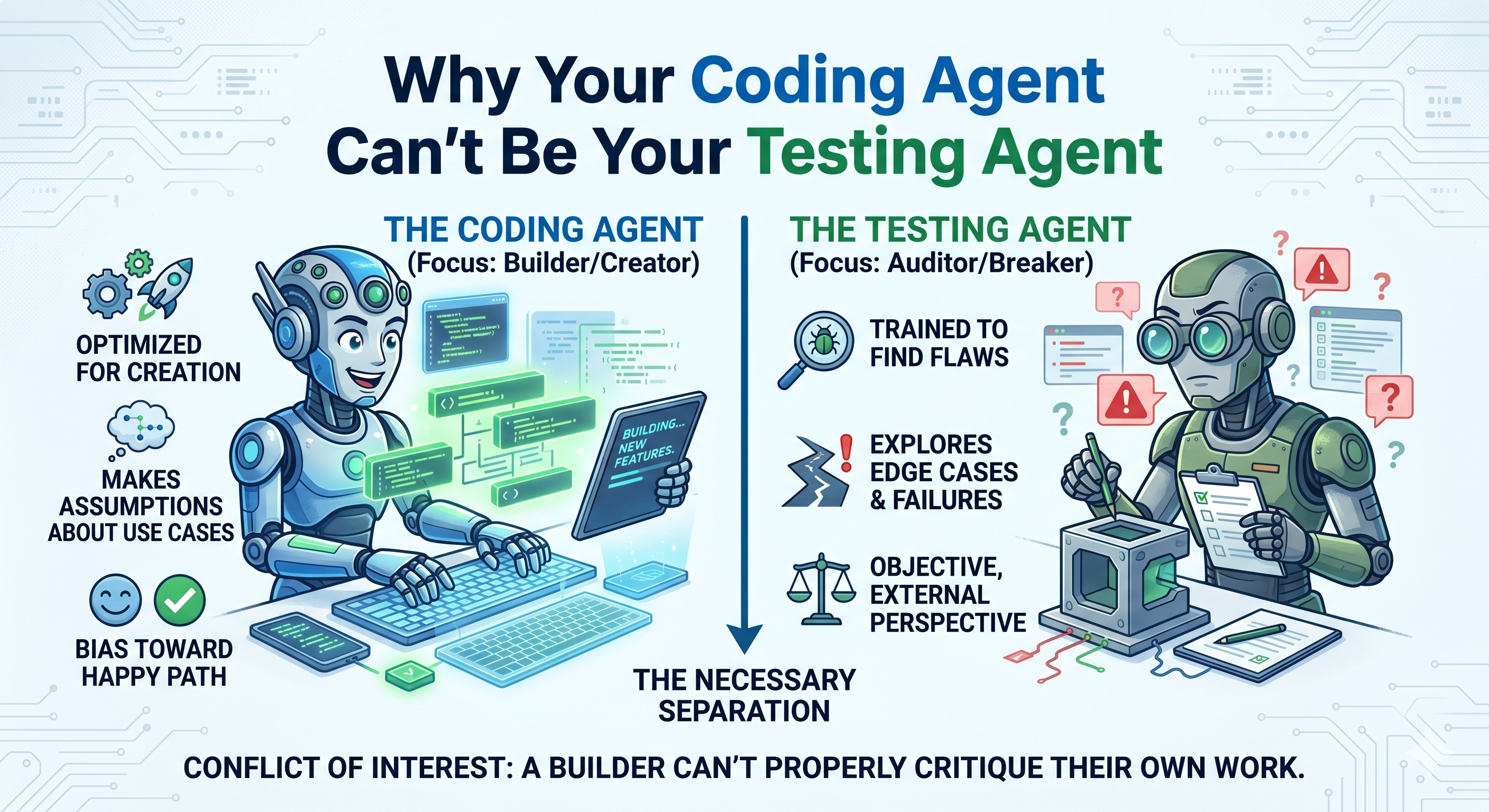
Why Your Coding Agent Can't Be Your Testing Agent
A coding agent that writes your code tests against the same mental model it built. Here's why that's structurally wrong — and what a dedicated testing agent does differently.
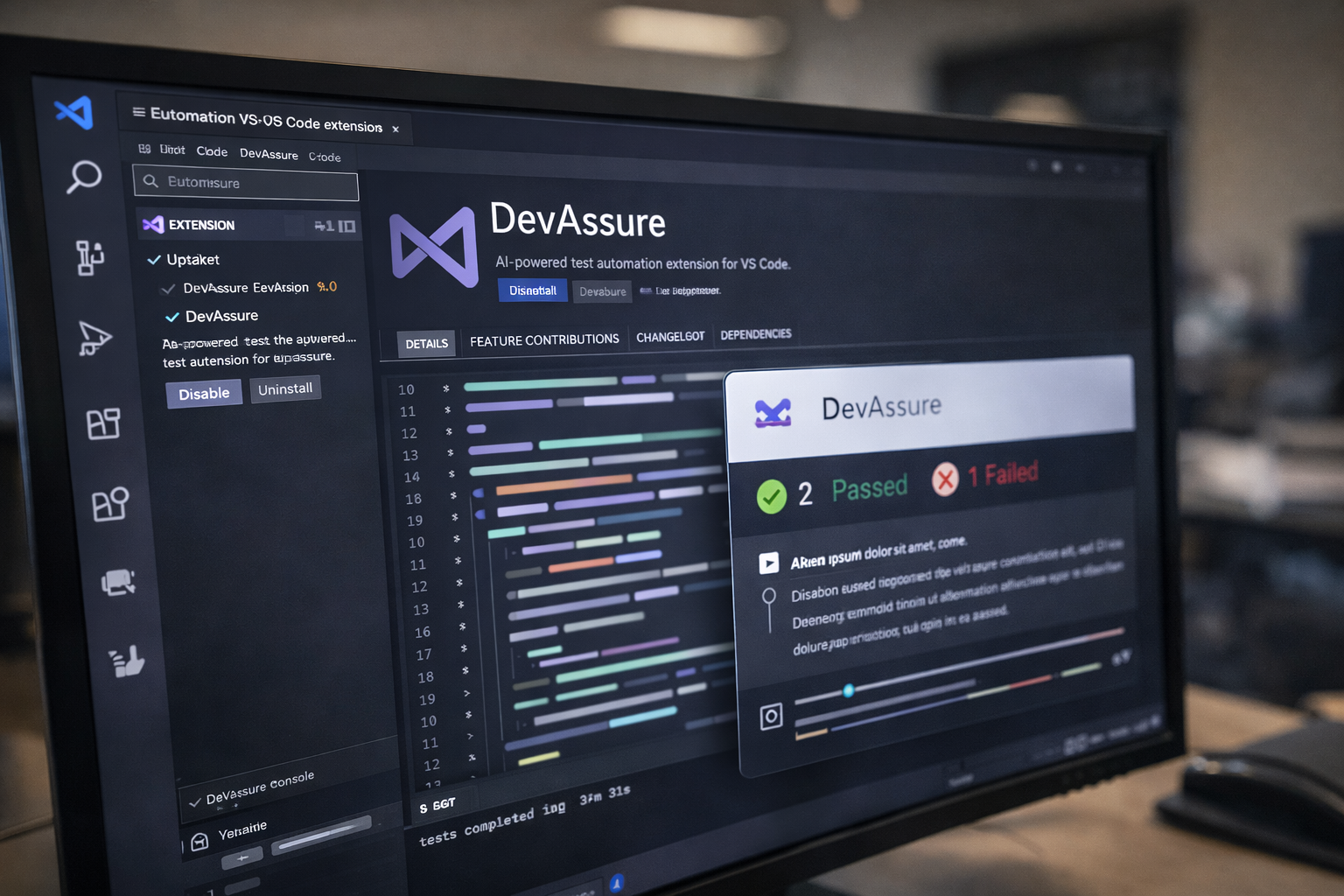
Test Automation in VS Code - The Developer's Power Workflow
Run AI-powered test automation directly inside VS Code. Install the DevAssure extension and write, execute, and maintain tests in minutes without leaving your IDE.
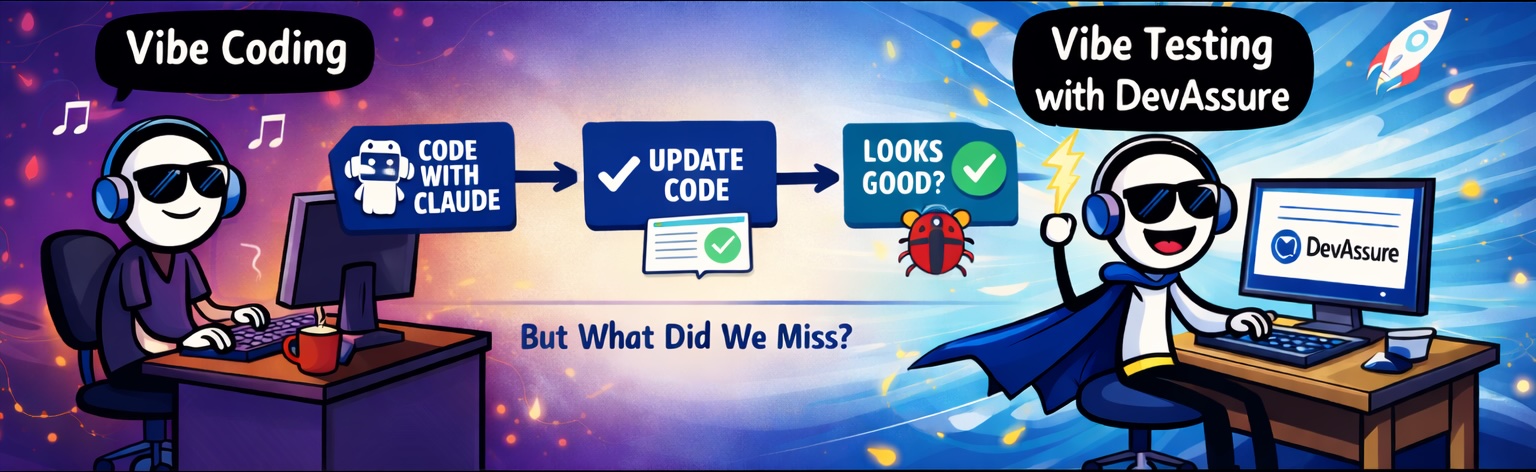
Vibe Testing
Vibe Testing is a new approach to testing that uses AI agents to test the application eliminating the need for writing test automation scripts.
Frequently asked questions
Everything you need to know about DevAssure, PR testing, and CI integration.
DevAssure O2 is an autonomous testing agent for pull requests. It reads your code diff, maps the blast radius of the change, generates or updates the tests that matter, and runs them in CI—so teams ship without hand-writing or maintaining large script suites.
Yes. DevAssure offers a free starter option so you can validate your first PRs and try the workflow before upgrading. No credit card is required to get started.
DevAssure uses a context-aware engine. It does not only chase brittle selectors; it reasons about the intent of the UI. For multi-step checkouts, dashboards, and dense flows, O2 builds resilient tests that adapt as your UI evolves.
Install the CLI with npm (`npm install -g @devassure/cli`), add `devassure test` to your pipeline, or use the official GitHub Action from the GitHub Marketplace so every PR gets scoped validation on real browsers.
No. DevAssure fits into existing development and CI workflows. Teams can run it in the environments they already use for pull request validation and release checks.
Many suites re-run broad smoke tests on every change, which slows feedback. DevAssure uses impact intelligence to understand how a change affects user journeys, then validates only what is impacted—keeping QA fast while still catching regressions.
It acts as an AI-aware observer in your workflow. When you modify code, DevAssure maps the blast radius by tracing how those changes flow through dependencies. It then identifies, updates, or generates the specific tests needed to validate that change—surfacing regressions before merge.
Yes. DevAssure O2 can trigger when a pull request is created in GitHub. It analyzes the code changes, identifies impacted user flows, generates relevant tests, and executes what is necessary—without manual test authoring. You get actionable feedback in the PR so issues are caught early.
Yes. DevAssure can run inside GitHub Actions so pull requests are validated automatically in CI. Teams can start with the official GitHub Action or run the CLI in their existing pipeline.